Editing own contact data in CM/Track (667874)
End users can now update their personal contact information directly in CM/Track. This enables more extensive self-service using the portal.
CM/Track changes
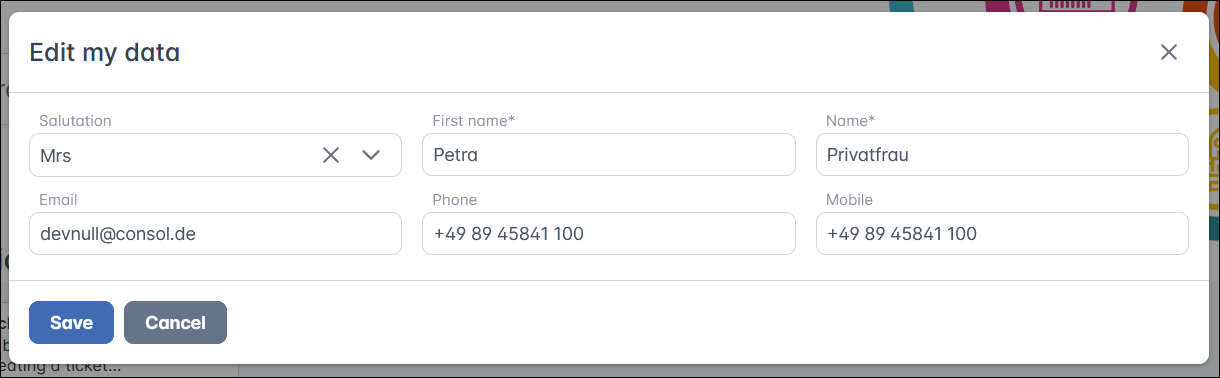
If editing contact data is enabled, a new menu entry Edit my data is shown in the avatar menu. The users can edit their data in a modal window.
Web Admin Suite changes
The feature can be enabled by setting Allow contacts to edit their data in the General settings section on the Portal configurations page to true.
In the new Contact fields section, you can define the size of the modal window and the number of columns. In addition, you need to add all fields which should be displayed to the layout.
The user needs Edit data permissions to the data of his customer group for the menu item to be shown.
The fields need Availability via REST to be set to Full access if they should be editable. Fields with Read‑only access are displayed but cannot be changed.