Version 6.18.2 released
Version 6.18.2 of ConSol CM brings a lot of bug fixes and a couple of improvements in usability and configuration flexibility.
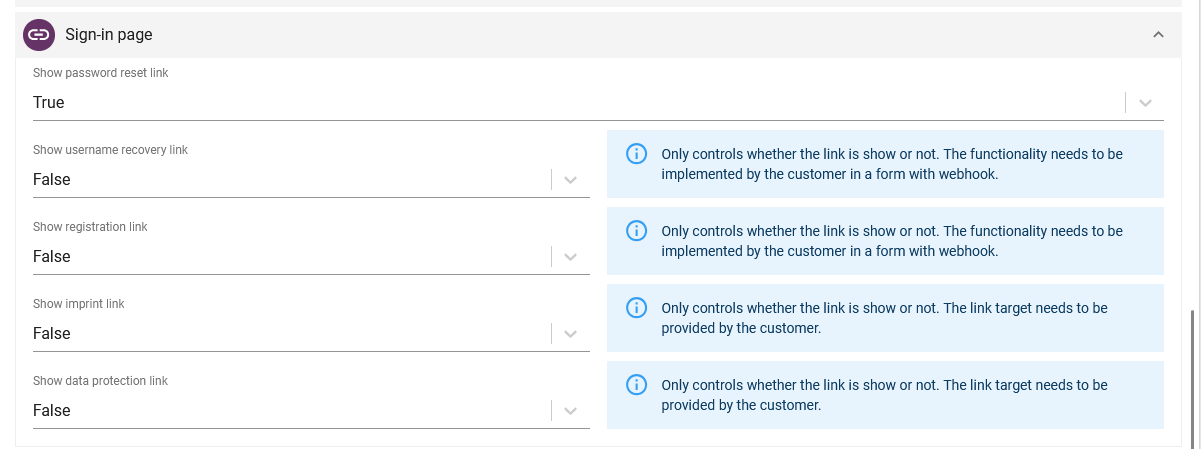
Extended login page configuration
You can now extend the login page of CM/Track V3 with additional links, for example:
- Username recovery
- Registration forms
- Legal information such as imprint or privacy policy
- Custom information pages
The configuration is carried out in the Web Admin Suite within the portal configuration, where you can define individual link texts and target URLs for each supported language.
This allows a more flexible design of the login page and allows you to offer more functionality.
See Extended login page configuration for details.
Placeholder for case subject
You can now define a placeholder text which is displayed in the subject field when creating a new case in the Web Client or CM/Track. The placeholder serves as guidance for users to enter a meaningful subject. It is defined in the default value script of the corresponding queue and remains visible until the user starts typing.
This supports the creation of more consistent and descriptive case titles.
See Placeholder for case subject to learn more.

Collapsible contact input window
When creating a new contact during case creation, you can now collapse the contact input window using an icon.
This way, you can easily switch between case data and contact data, which is particularly useful in scenarios where case and contact information needs to be entered or verified in parallel, for example during phone calls.
Check out Collapsible contact input window for further details.
Improved visibility of reported errors
We have enhanced the visibility of reported errors in the Web Admin Suite by adding:
- a red exclamation mark to signal new, unchecked error reports in the parent menu
- the number of open reports directly in the menu
- the possibility to configure email notifications for new reports
These changes help administrators to detect and handle issues more quickly.
See Improved visibility of error reports for more details.
Integration of external libraries for scripts
You can now integrate external libraries required for scripts more easily. Just:
- Place the library in the
libsubdirectory of your data directory - Register its checksum in the ConSol CM configuration properties
- Restart the ConSol CM server to make the library available for use in scripts.
This simplifies the implementation of custom extensions and increases flexibility in development.
Learn more in Integration of external libraries.
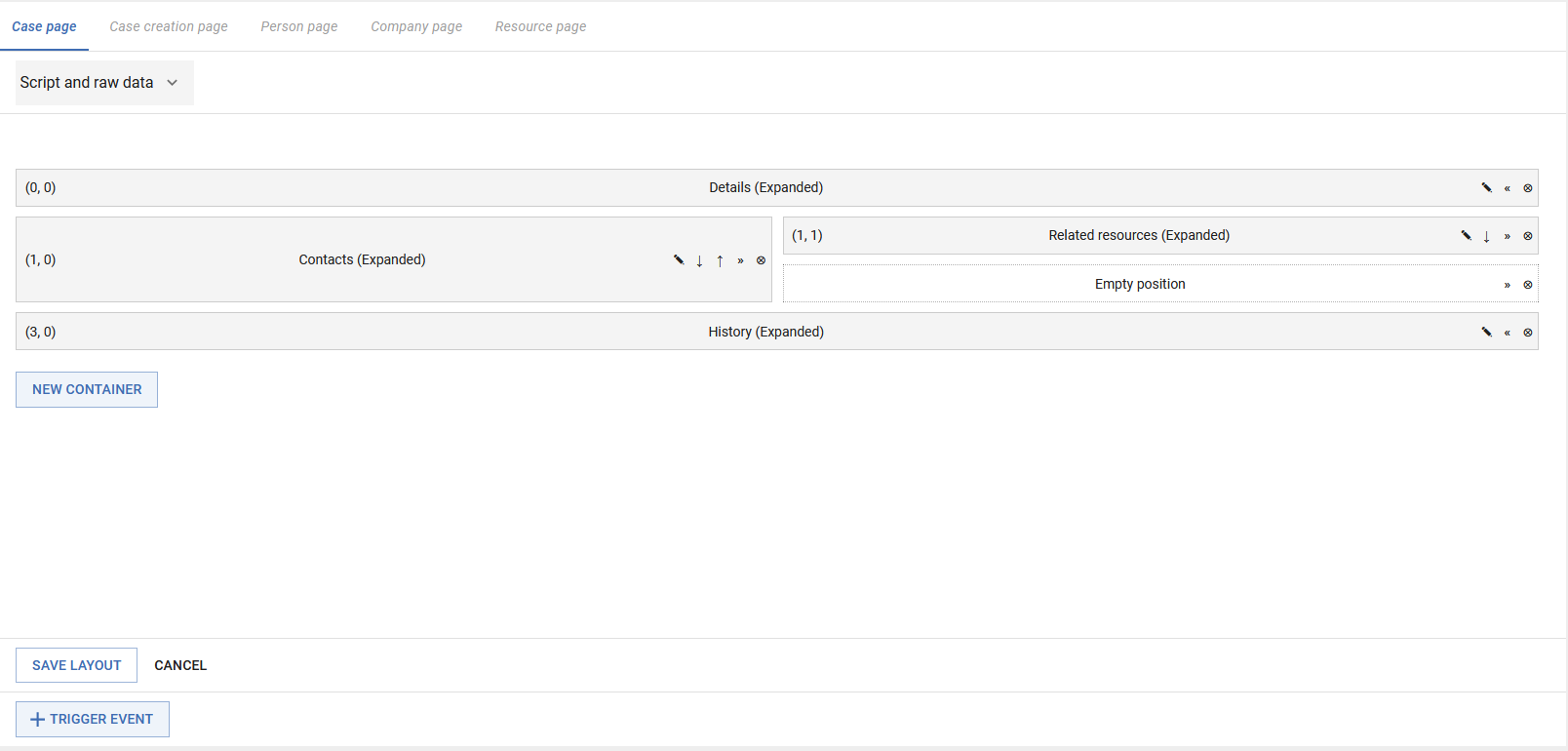
Entity sections for flexible page layouts
On the new configuration page Entity sections of the Web Admin Suite, you can define layouts for various pages, including:
- Case pages
- Case creation pages
- Contact, company and resource pages
Position and resize the sections individually using a grid to create of customized page layouts adapted to your specific requirements.
Find more information in Entity sections configuration.
Dive in deeper
Visit Introduction to the release 6.18.2 to check out the complete list of changes.